Showing posts with label teapots. Show all posts

Saturday, March 22, 2008

Happy Easter!


Yes, this is a teapot; an Easter Bunny Teapot! I particularly like the bug on the windshield.

Monday, March 17, 2008

Happy St. Patrick's Day!


Be sure to drink some Irish Breakfast or green tea! And what better way to serve than from a Blarney Castle teapot?

Saturday, March 15, 2008

One hundreth post!


I noticed this morning that I've managed to attain a milestone of sorts with this blog: 100 posts! It took a tad over 5 months, which is a little longer than I had anticipated, as I had to take some time off from playing with my blog to address some other matters. Hopefully I'll be able to post more silly stuff more often.

As always, if you're looking for thoughtful and insightful analysis of world issues, you won't find it here. But if you like silliness, trivia or the just plain insignificant, this is your place!

Monday, February 4, 2008

Easier browsing with labels


For my legions of loyal readers...okay, for the handful who actually bother to read my nonsense, I have added labels to all my posts.

Sunday, February 3, 2008

Super Bowl Sunday Tea


Teapots for the football fan. While the rest of the gang guzzles beer and sodas, tea lovers can sip their favorite blend while enjoying (or enduring) the day's spectacle.

Monday, December 24, 2007

Surprise Santa


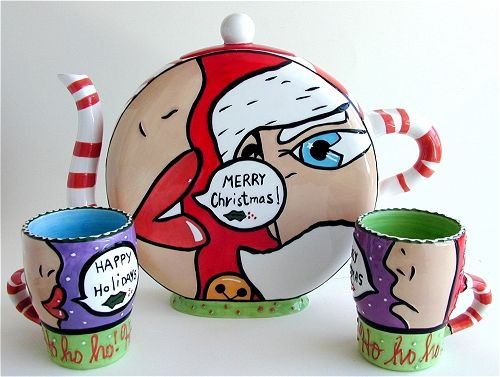
Instead of the usual milk and cookies, this year surprise Santa with tea and truffles, naturally served from a holiday tea set.

Friday, December 21, 2007

The teapots are back!

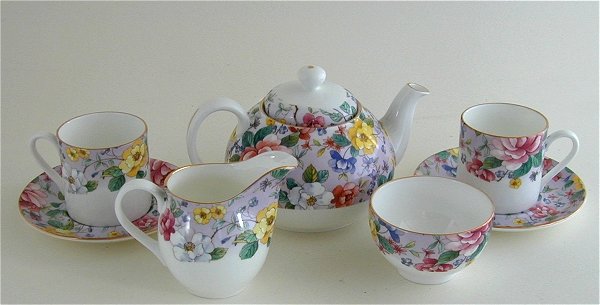
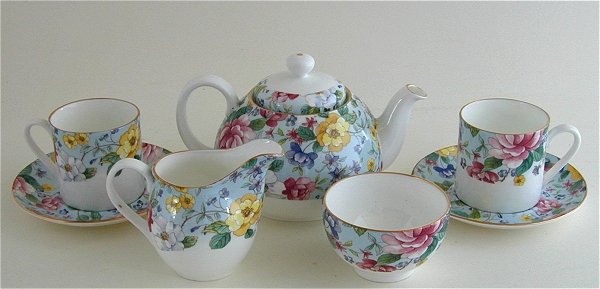
About a week ago, the folks at Blogger tinkered with something in the way Headers (where my lovely green floral tea set resides) are set up, and it resulted in the truncation of my tea set, which was cut off at the knees. Last night, Sugar3 kindly pulled up the Html for my Header and fixed the problem. So now my teapots are whole again! In celebration, here's the same beautiful tea set in lilac and blue.

Update: Blogger apparently received a lot of complaints about the Header change, so they reverted it back to the original way they were doing things. I don't believe this made any difference, as Sugar3 manually corrected the Header yesterday. At any rate, the teapots are back!

Wednesday, December 12, 2007

Tea and cookies

Now that you've made plenty of cookies for those holiday parties, enjoy these gingerbread cookies that won't pack on the pounds. And while you're decorating your gingerbread creation, don't forget to enjoy a pot of gingerbread tea.

Monday, November 26, 2007

Tea Time


CrackedPot and a friend spent a lovely afternoon pampering ourselves at a tea room, where we sampled various tea blends from delicate porcelain teacups and nibbled on scrumptious desserts. While prowling the tea room, which was jammed with various types of teapots for sale, CrackedPot found herself.

Wednesday, October 31, 2007

Happy Halloween!


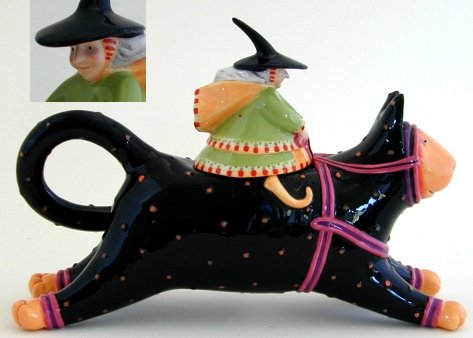
After a ghoulish night of trick-or-treating, relax with a nice cup of tea from a Halloween Teapot.

Monday, October 1, 2007

Added a link


Today I added a link to the website where I found all the pretty teapots. This too was really simple. All I had to do was click on Customize and select the section of the template I wanted to put the link. I chose to place it in the Footer, so clicked on Add a Page Element at the bottom of the template. From there I chose Text: Add to Blog and typed my text, highlighted the text I wanted as a link and clicked the CreateLink button from the choices in the Configure Text box. So easy, even a CrackedPot could do it!

Saturday, September 29, 2007

Experimenting with Customizing


Today I played around with customizing my blog. First, I added a picture to my About Me corner. All I had to do was click on View my complete profile in the About Me section and then select Edit Your Profile. In the Photograph section, I typed in the web address of the picture I wanted to use and then scrolled down to the bottom of the page for the Save Profile button. My other half, Sugar3 did help me a little with this because the About Me photo requires a web address. I had saved the photo I wanted to use to my photos folder. Sugar3 put it in a public HTML place so it would have a web address. Once that was in place I added a photo to my header. For this I clicked on the Customize button in the right corner of the Blogger Navbar. At the Customize page you can re-arrange the page layout, or add new elements such as lists, links and photos. Basically, I just clicked on all the options available to see what I could do. In addition, Sugar3 showed me how to cross out put a line through text. Neat, huh?